 Project Commander Docs
← Back to site
Project Commander Docs
← Back to site
Project Commander Documentation
Guides for every tab in Project Commander. Each page explains what the tab is for, how its controls behave, and how its numbers are computed. The same shared engine powers every tab, so a verdict on one tab matches the others.
Project Commander is an add-on for Jira, not a replacement for it. It installs into your own Jira site, reads the projects, sprints, issues, people and links you already keep there, and leaves Jira as the place the work lives. The only things it stands in for are the planning and capacity features of Jira Premium and the delivery reporting of Rovo.
Tabs
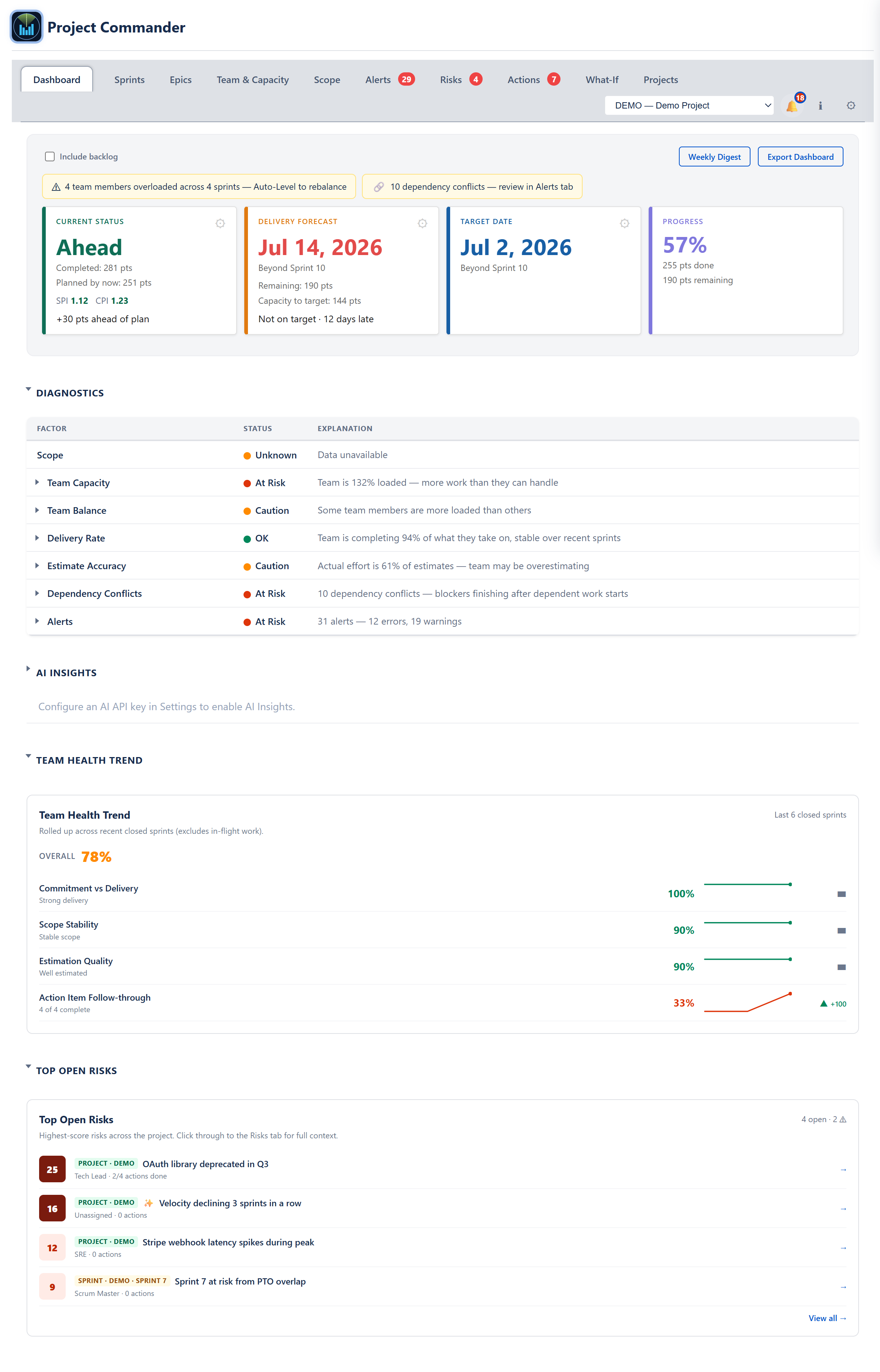
DashboardSingle-screen project health: stat cards, forecast grid, statistics, top risks
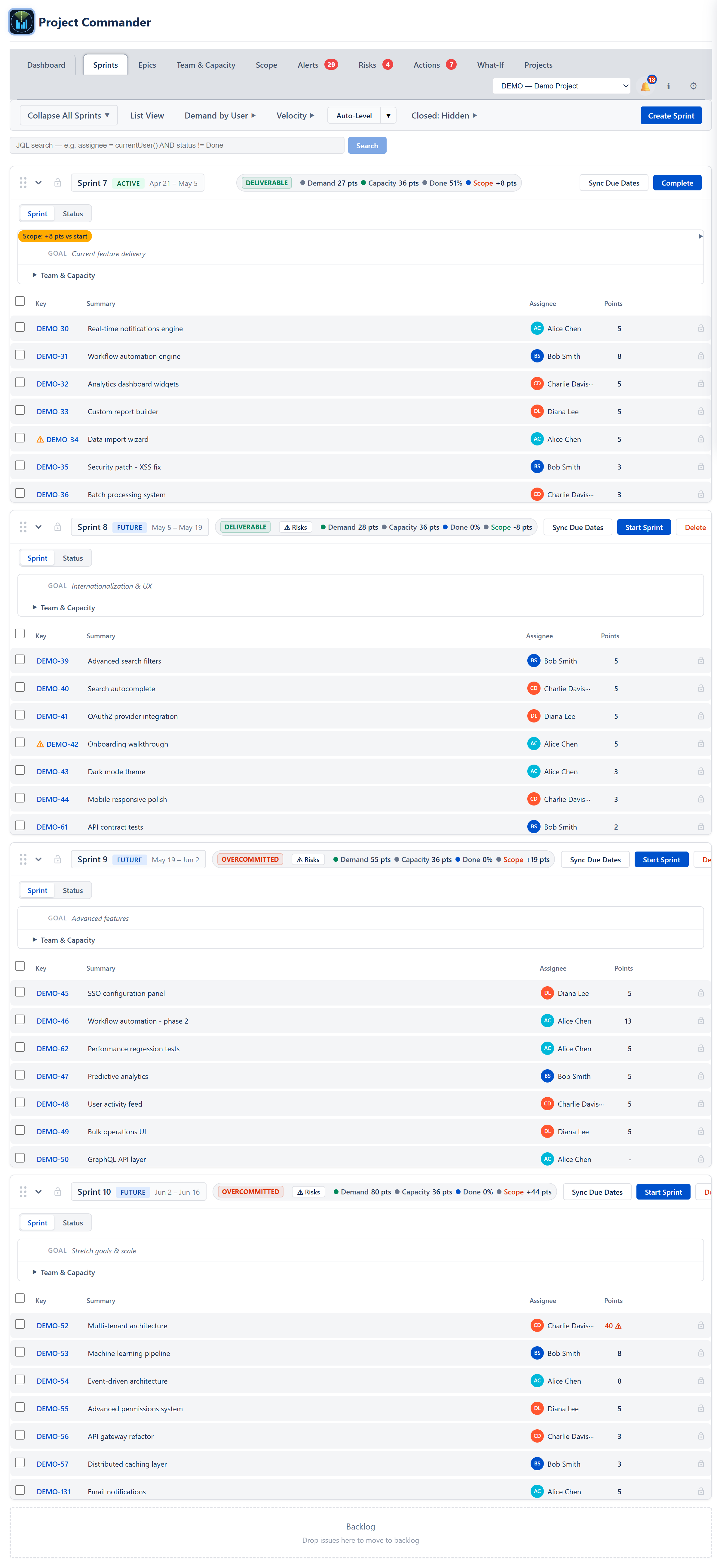
SprintsSprint status, capacity, Auto-Level, retros, inline edits
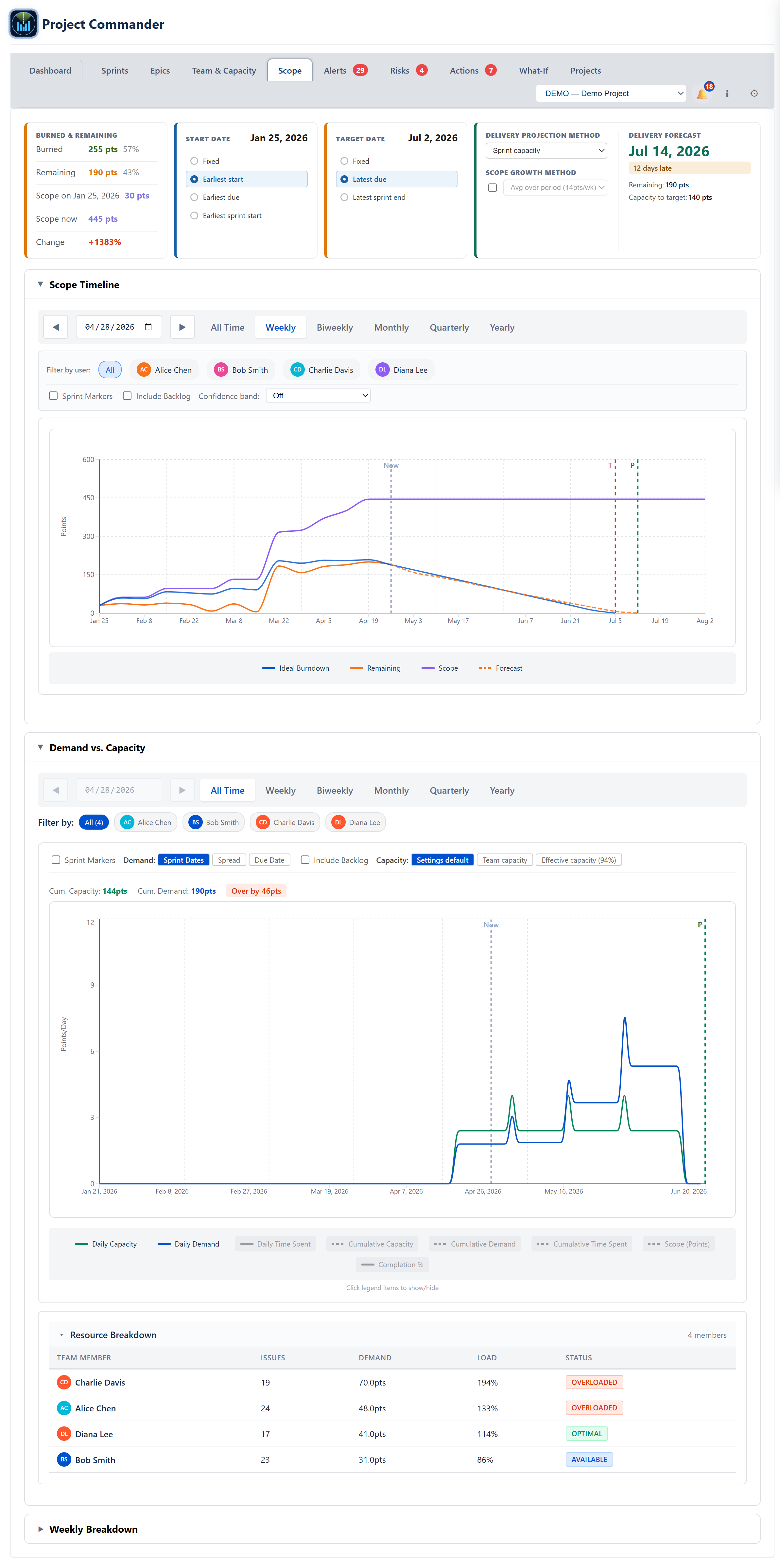
ScopeBurndown/burnup and demand vs capacity over time
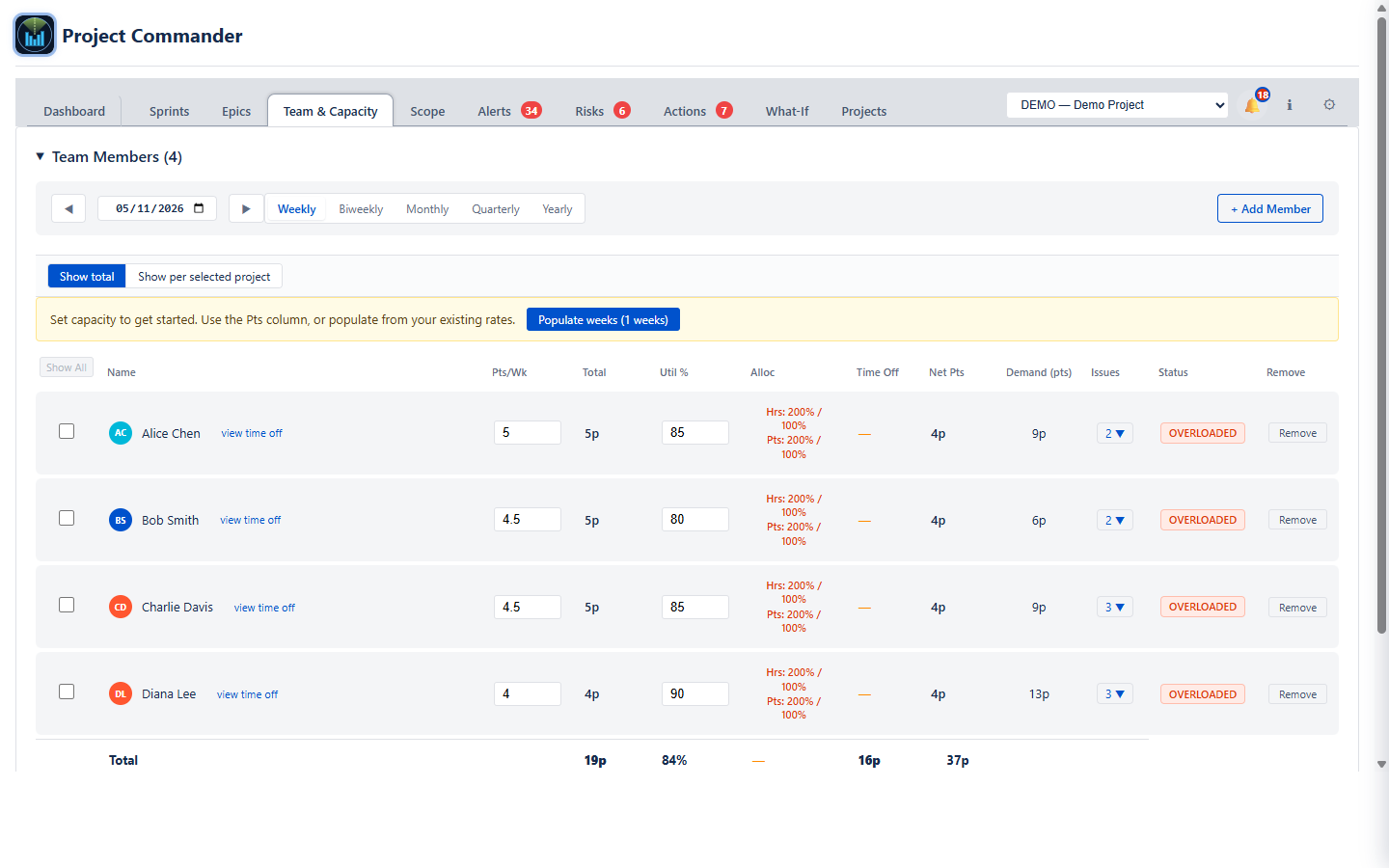
Team & CapacityPer-member capacity, time off, and allocations
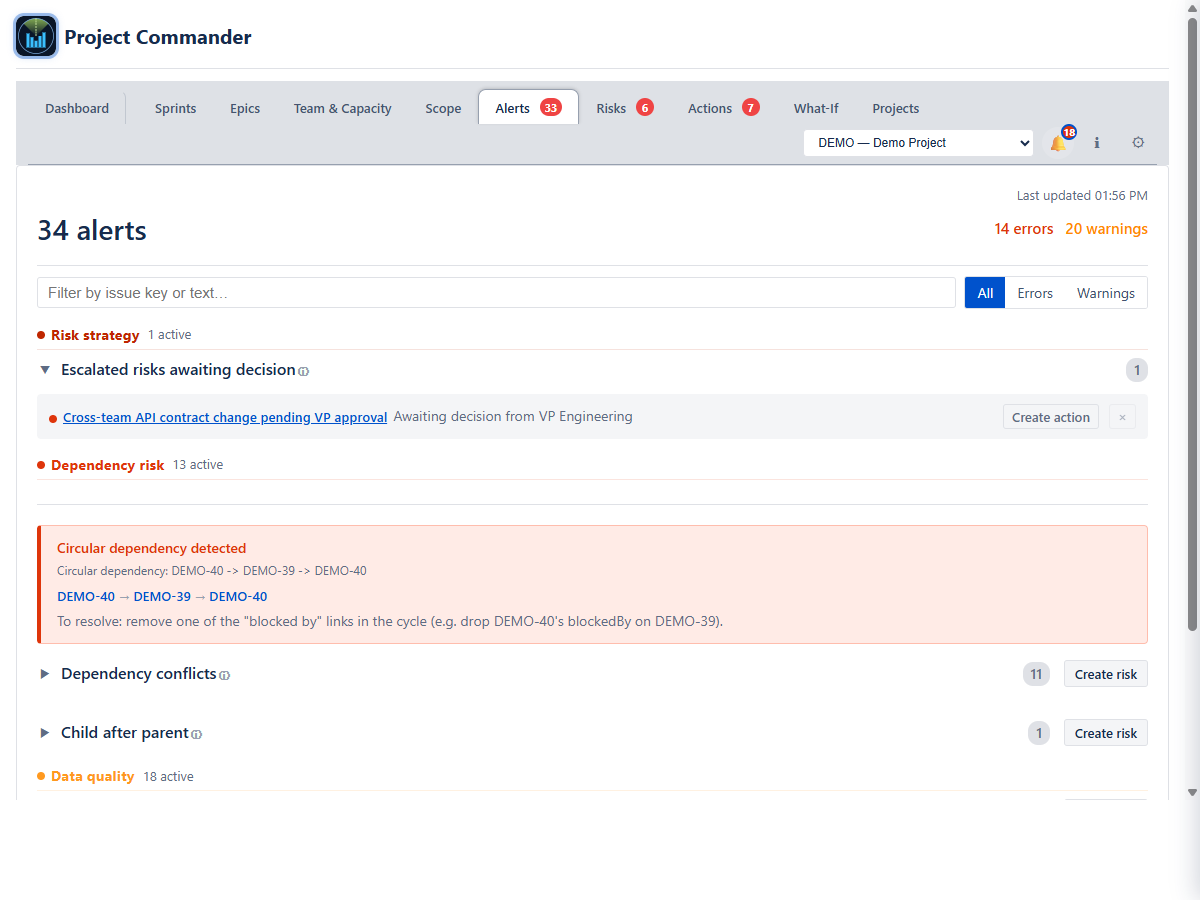
AlertsForty checks over every issue, in eight groups, each shown with its count
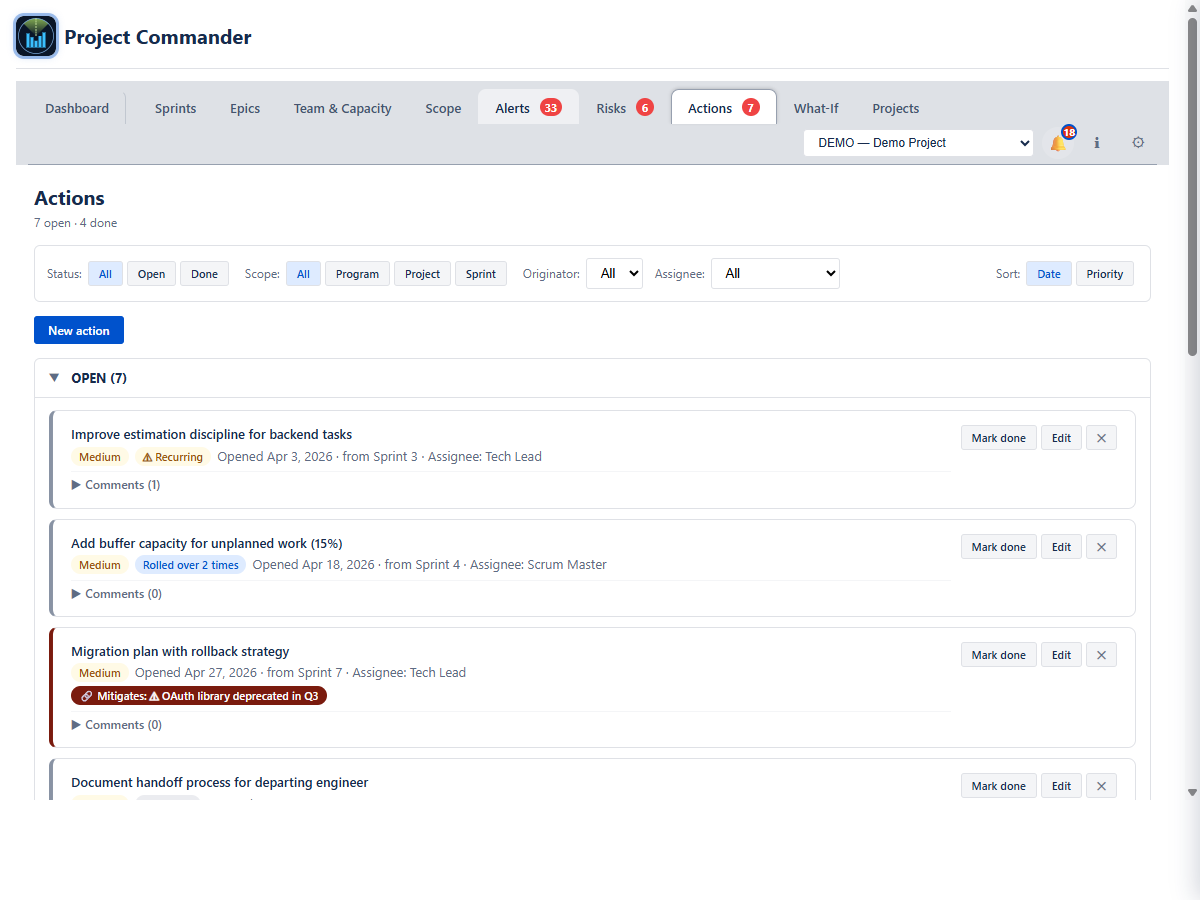
ActionsAction items from retros and risks
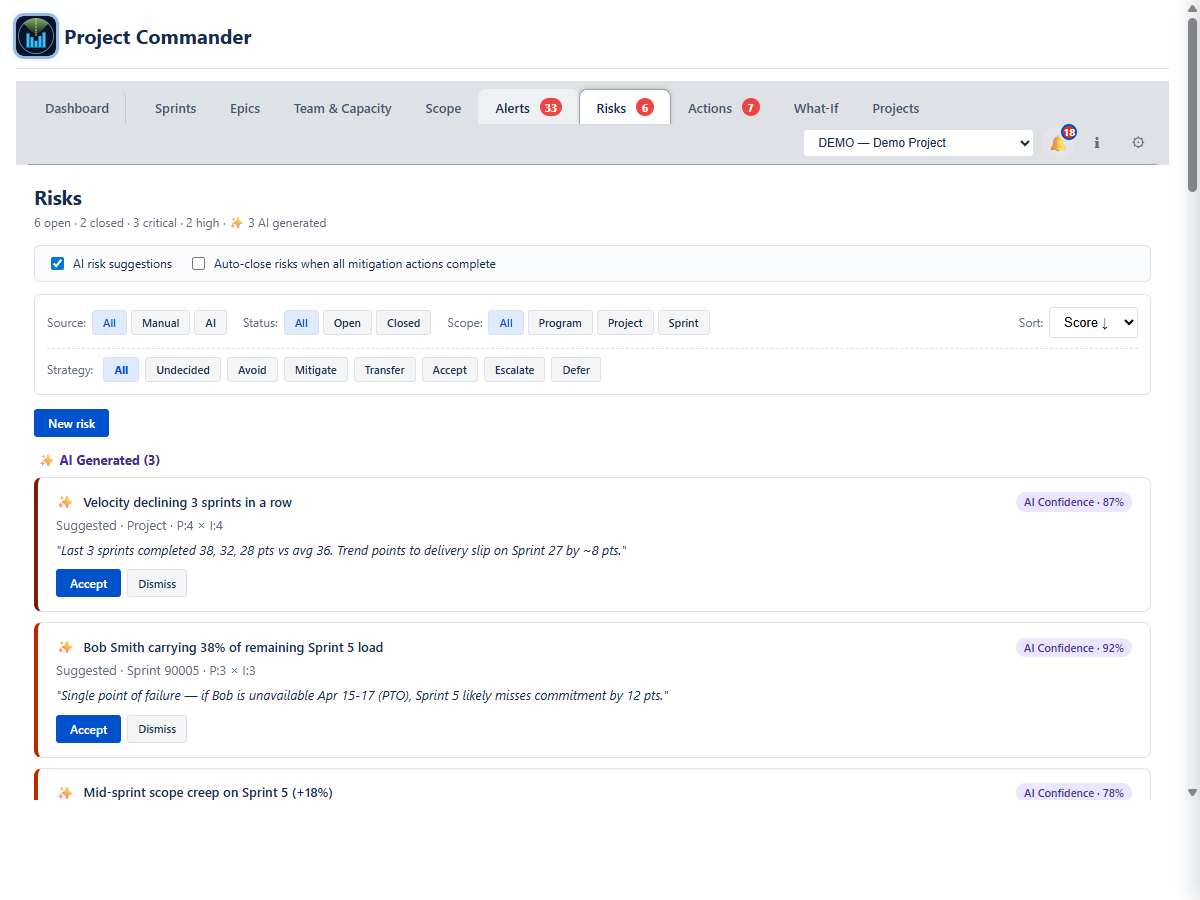
RisksRisk register with strategies, P×I, and mitigations
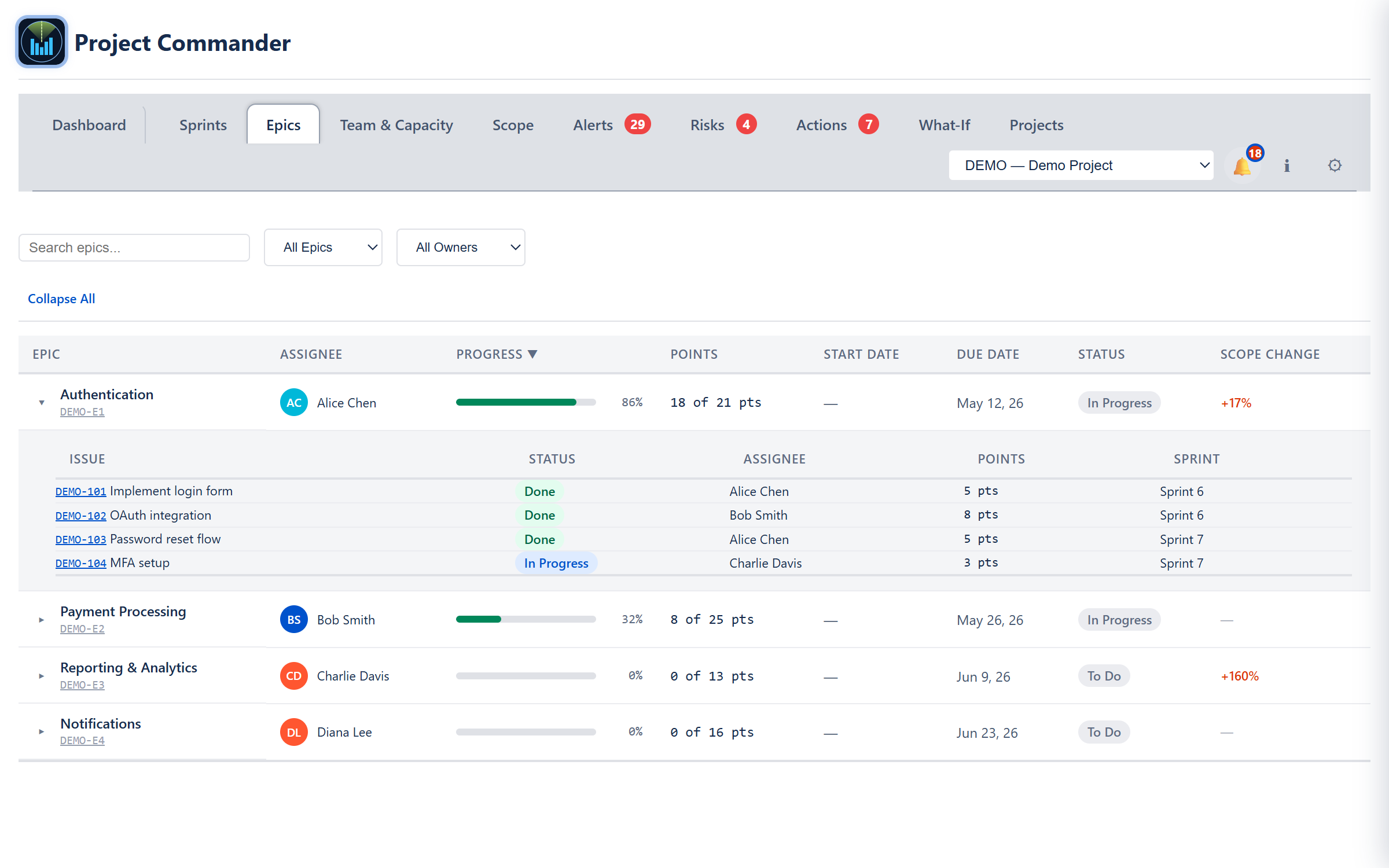
EpicsEpic progress, scope, and child issues
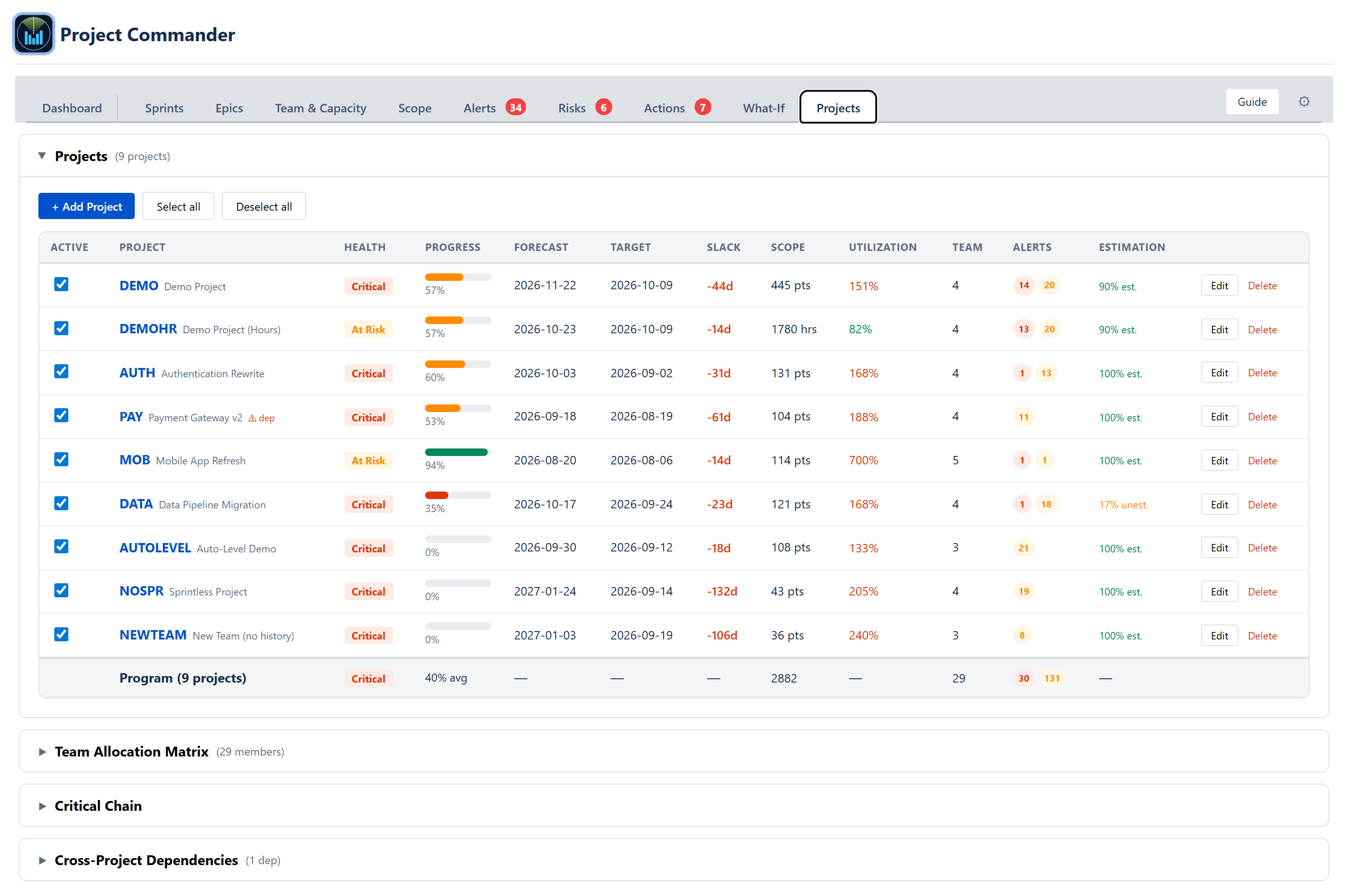
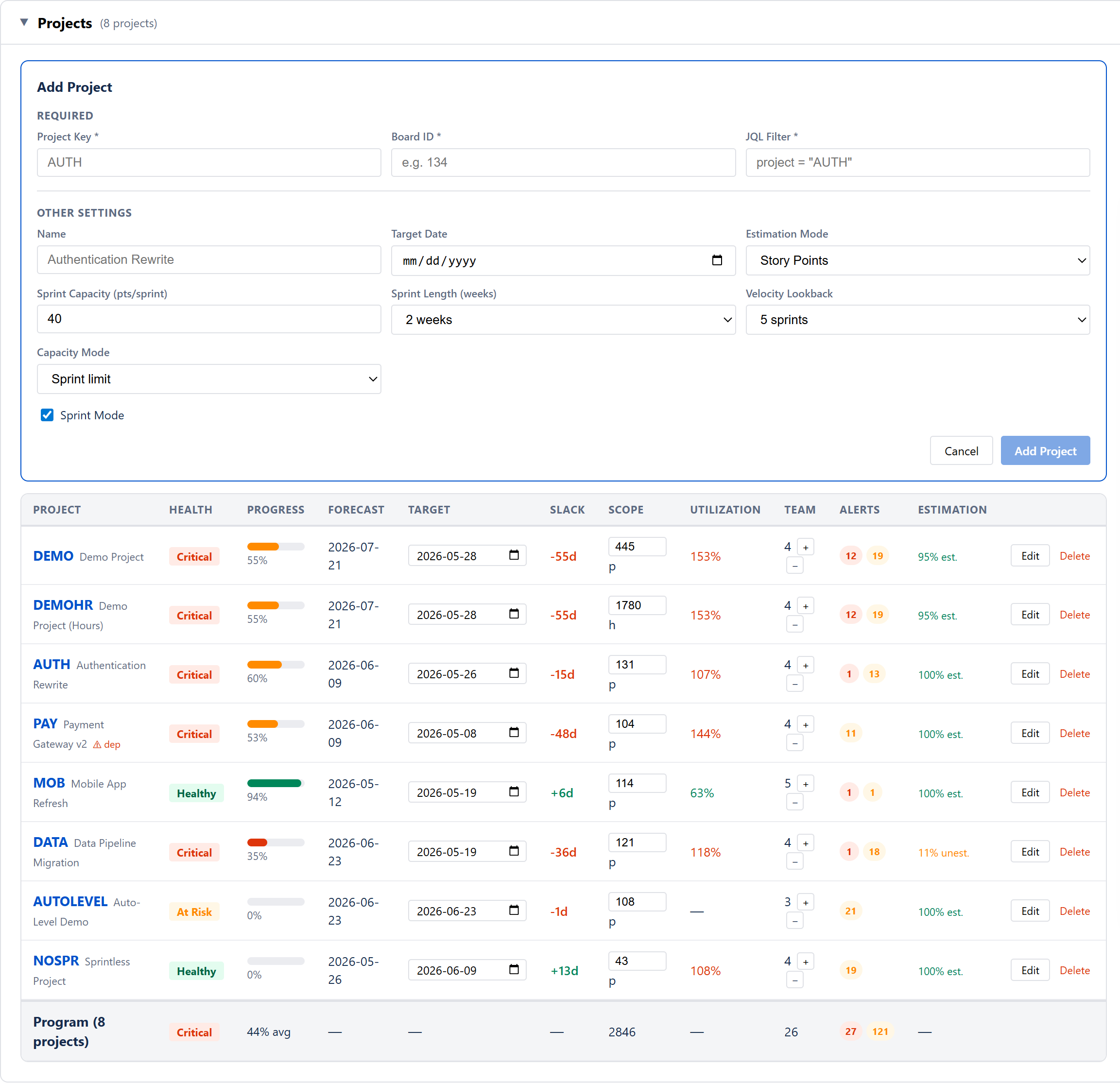
ProjectsProgram rollup view across projects
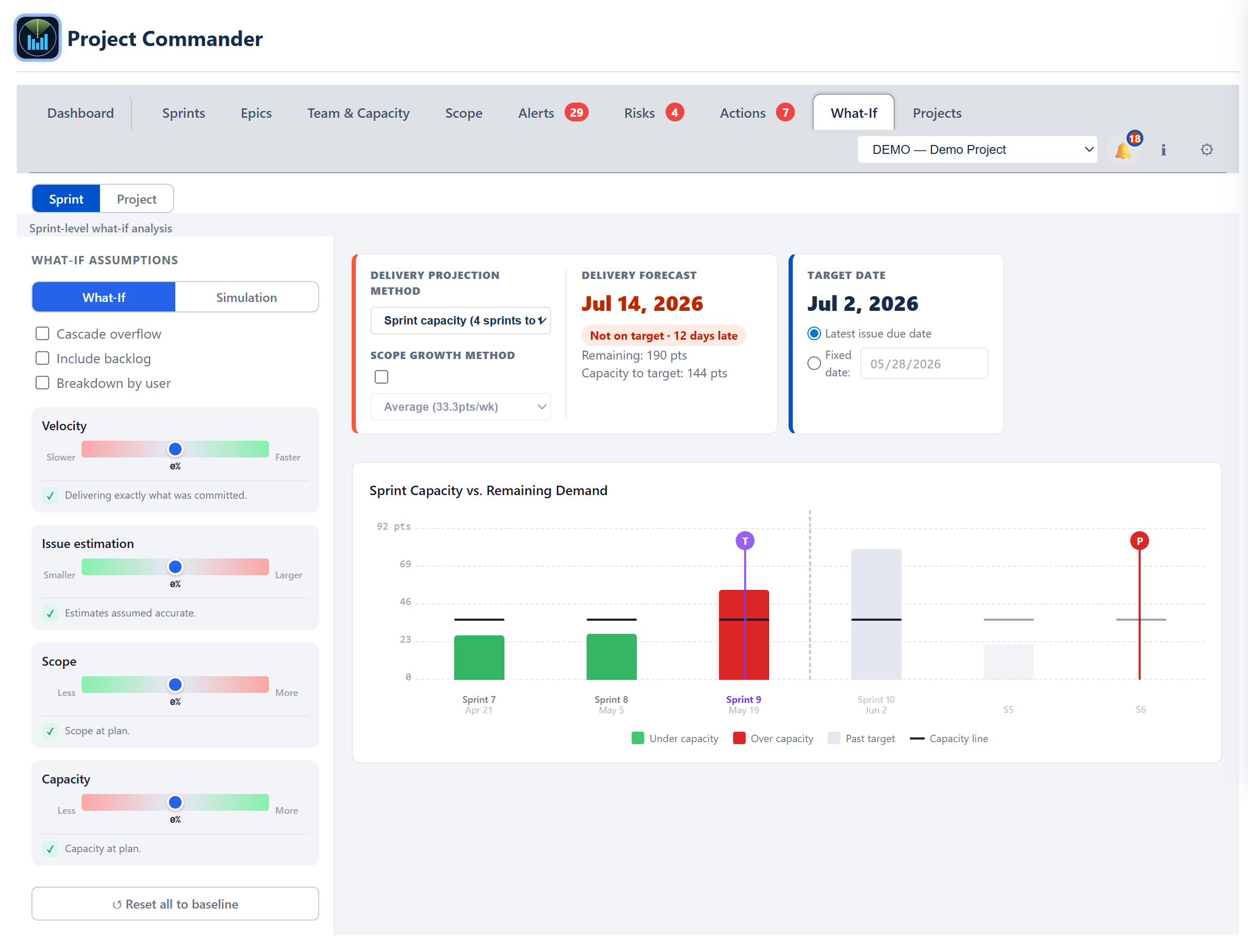
What-IfScenario sliders and Monte Carlo forecasting
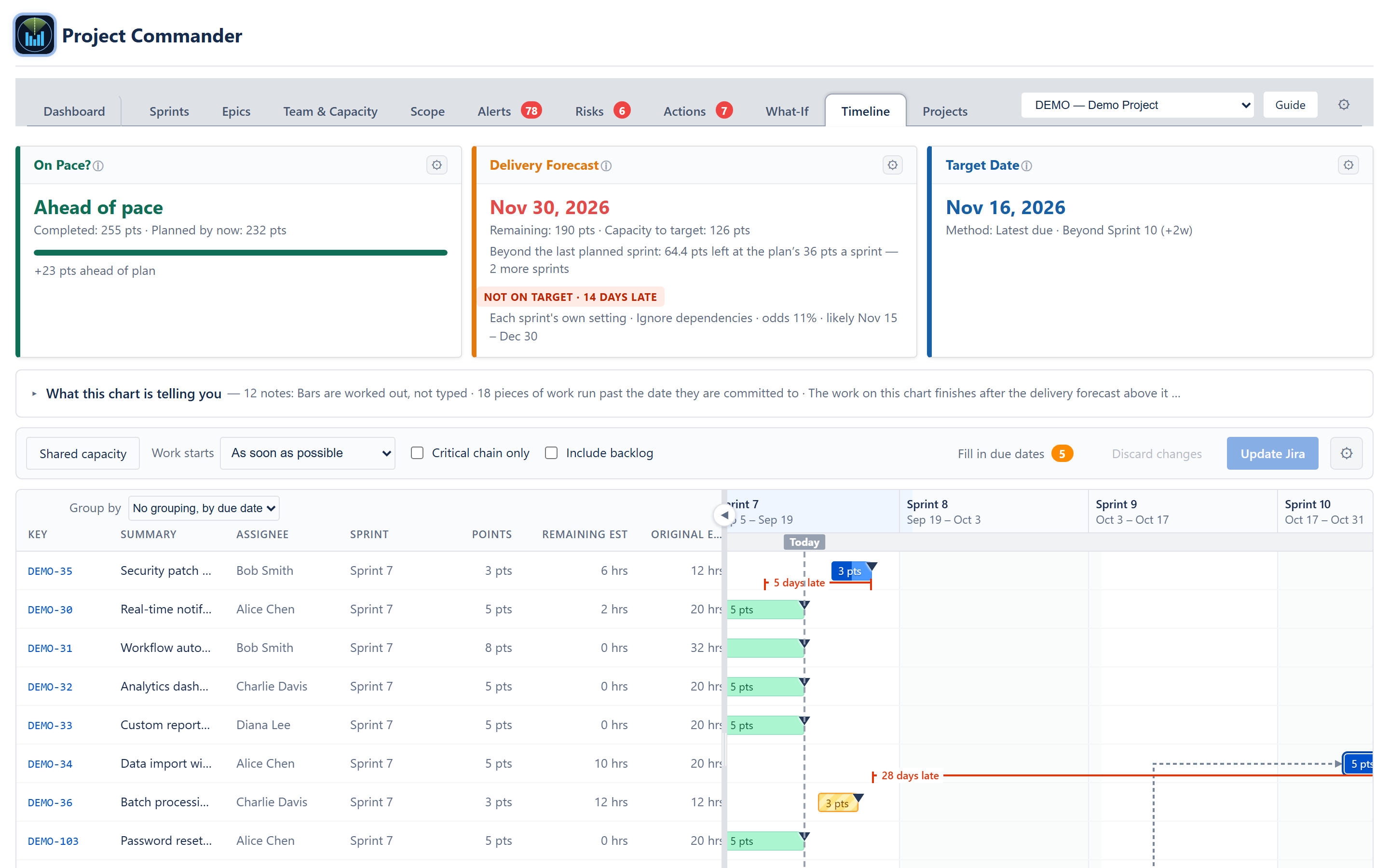
TimelineA Gantt chart drawn from the forecast, not by hand
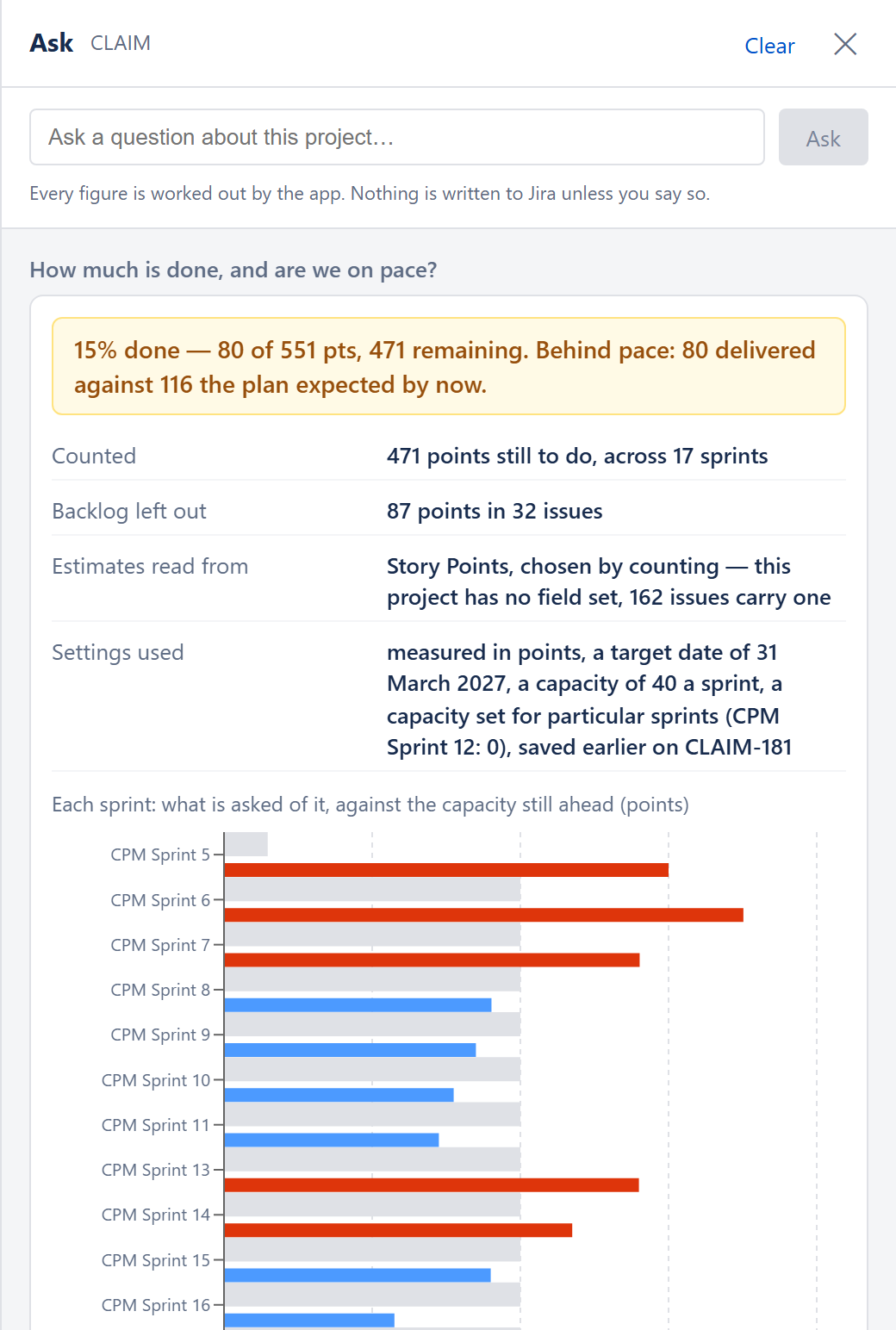
Ask
Reference
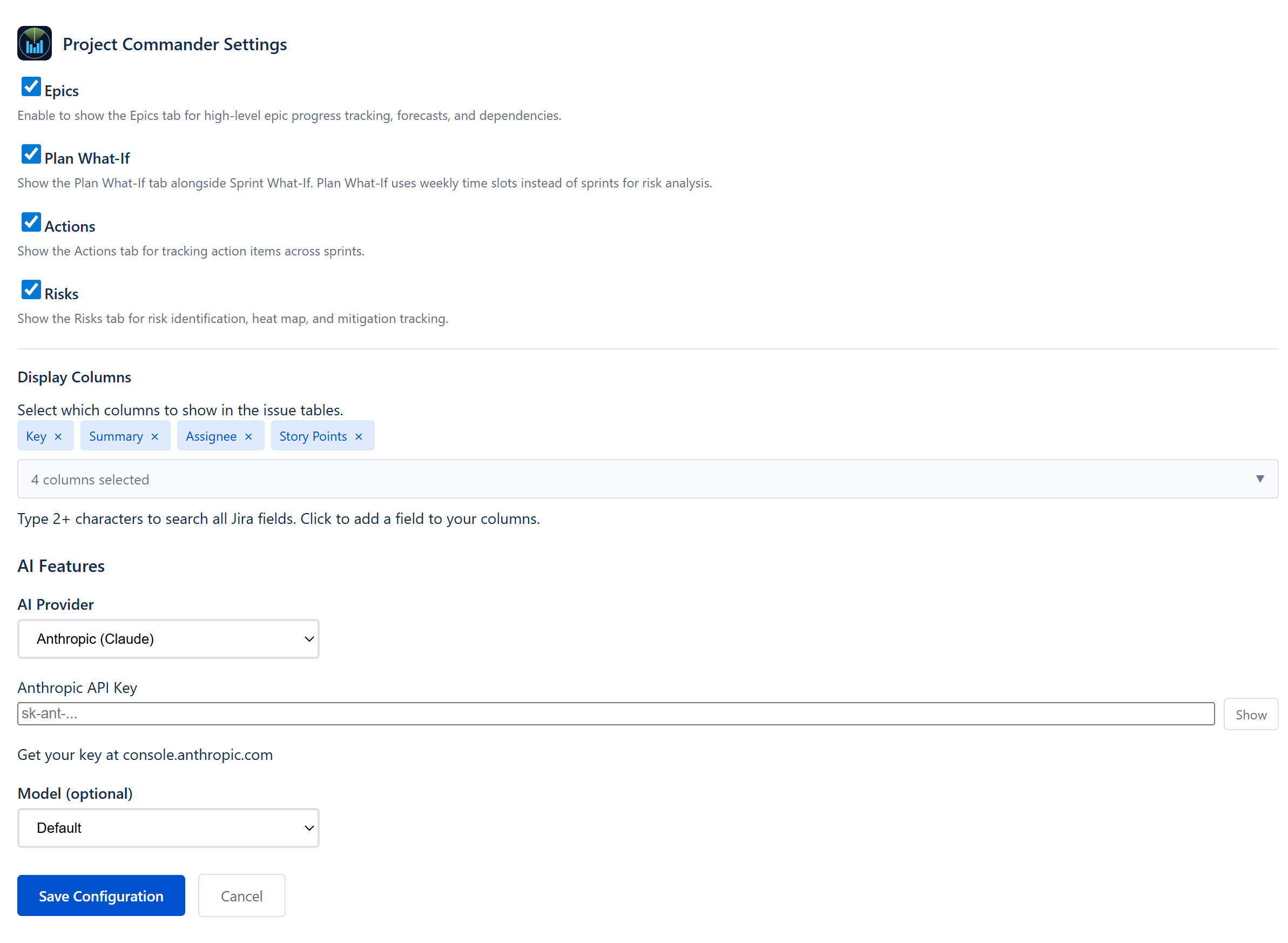
Settings referenceEvery setting and configuration option, organized by tab
Licensing & AccessSubscription, evaluation, and the whole-app access lock
© 2026 Project Commander · projectcommander.app · Support